
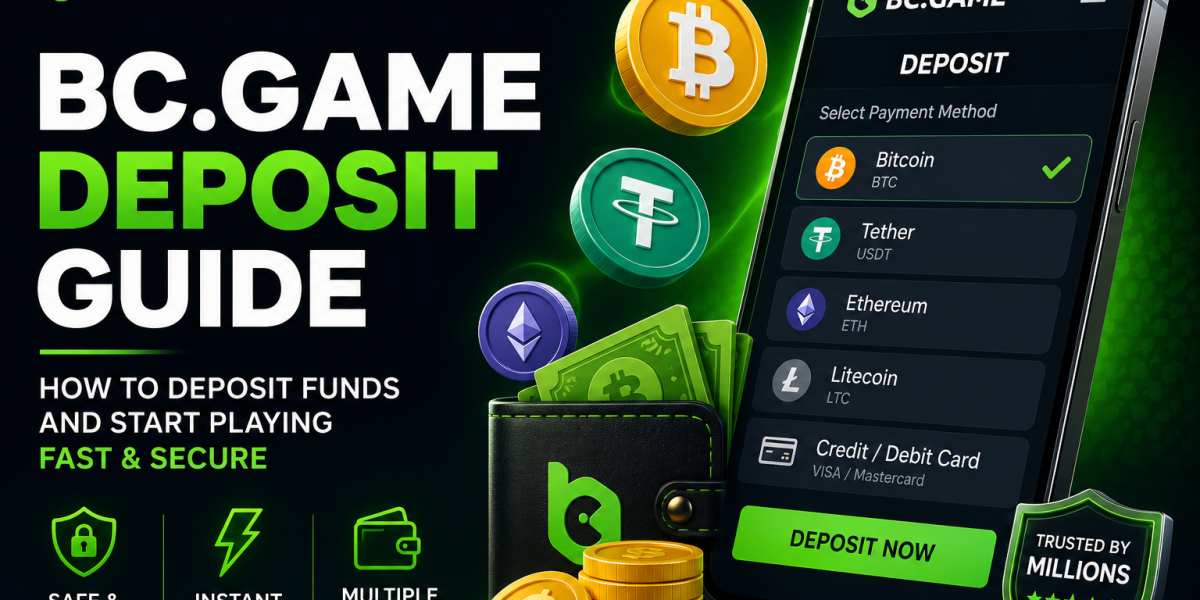
BC.Game Deposit Guide – How to Deposit Crypto Step by Step
Introduction
Making your first deposit on BC.Game is a straightforward process, especially if you’ve used cryptocurrency before. The platform supports more than 140 cryptocurrencies and several blockchain networks, allowing players to fund their accounts quickly and securely.
This guide explains how to make your first deposit, choose the correct network, avoid common mistakes, and start playing in just a few minutes.
Supported Cryptocurrencies
Popular coins include:
- Bitcoin (BTC)
- Ethereum (ETH)
- USDT
- Solana
- BNB
- TRON
- XRP
- Dogecoin
Step-by-Step Deposit Process
- Log in to your BC.Game account.
- Open My Wallet.
- Click Deposit.
- Select your cryptocurrency.
- Copy the wallet address.
- Send funds from your wallet or exchange.
- Wait for blockchain confirmations.
Choosing the Correct Network
Always verify the blockchain network before sending funds.
Example:
USDT can use:
- TRC20
- ERC20
- BEP20
Sending funds through the wrong network may result in permanent loss.
Deposit Processing Time
Most cryptocurrency deposits arrive within several minutes, although confirmation times depend on network congestion.
Common Deposit Mistakes
- Wrong blockchain network.
- Incorrect wallet address.
- Sending unsupported coins.
- Depositing below the minimum amount.
Final Thoughts
Making your first deposit is quick once you understand the process. Double-check the wallet address and blockchain network before confirming any transaction.
Related Guides